
Installation Manual V-9.0.0
Overview
true-Advice enables UBS customers to automatically convert data from and to SWIFT messages. It relies on true-Broker to establish secure communication with UBS.
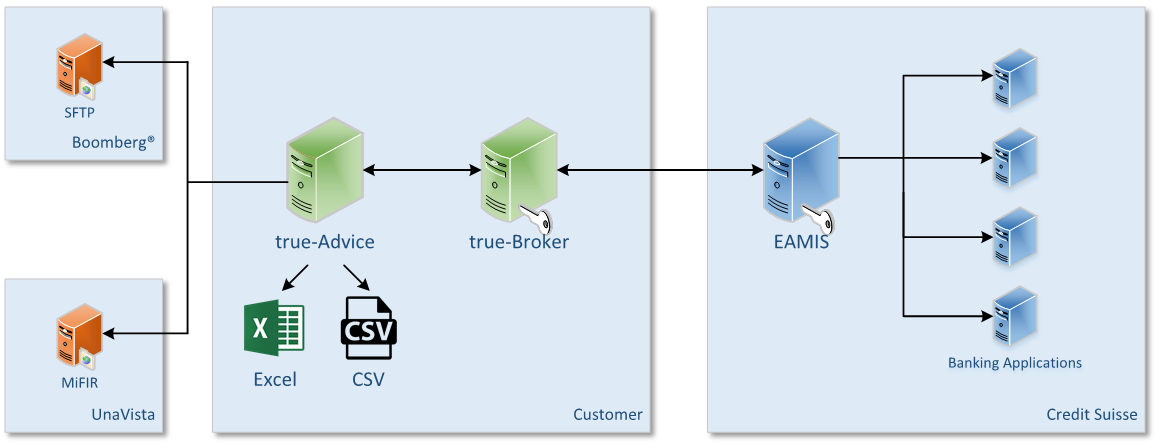
true-Advice Web is a web application running on an Apache Tomcat server.
true-Advice Web is multi-client capable. true-Advice Web Administration is used to manage the client instances of true-Advice Web. For each client a specific true-Advice Web application instance is deployed on Apache Tomcat which separates it from the other clients.
The configuration of each true-Advice Web client instance is held in an internal database.
A separate license is needed for each client. The different true-Advice Web modules are deployed based on the purchased license.
System Requirements
Operating systems
- Microsoft Windows Server 2016 x64
- Microsoft Windows Server 2022 x64
- Microsoft Windows 10 x64
- Microsoft Windows 11 x64
Software
- true-Advice Web
- true-Broker Web
Hardware
- 20 GB free hard disk
- 4 GB RAM
Other
- Administrator rights
- Unbound local port 8650
- Firewall allowing connections to http://localhost:8650
Installing true-Advice Web
The true-Advice Web installation is based on Windows Installer Packages.
a) Download true-Advice Web from the release section of this site.
https://products.sits.services/books/true-advice/chapter/releases
b) Install true-Advice Web by running the downloaded installer TrueAdviceReporting.msi.

Double-click the TrueAdviceReporting.msi to start the installation process.
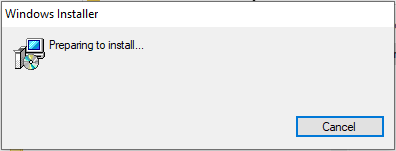
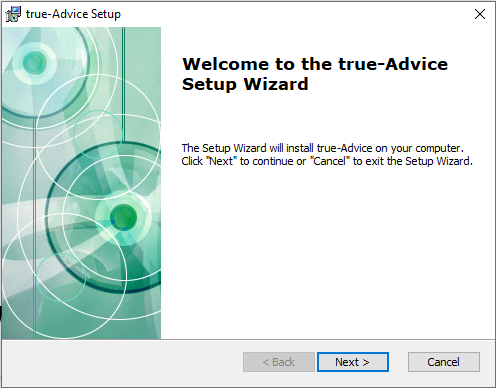
Press Next to continue or Cancel to abort the installation process.
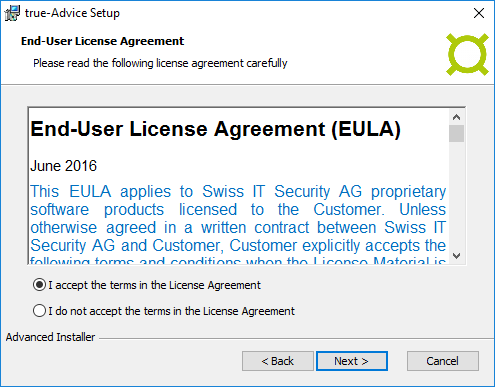
Please accept the End-User License Agreement. Press Next to continue.
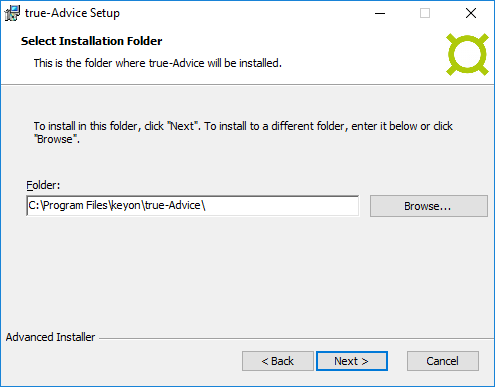
Please select the folder where to install true-Advice Web. Press Next to continue.
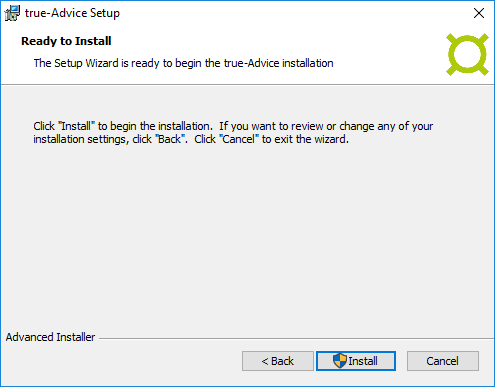
Click Install to start the installation.
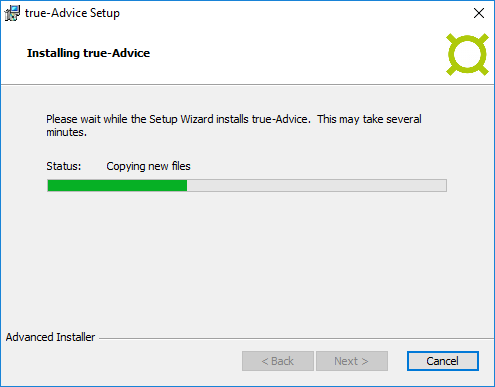
The installation process copies the necessary files to the previously defined installation directory, installs Apache Tomcat as a Windows Service and starts it.
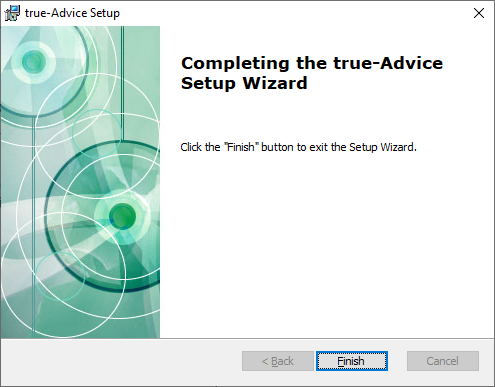
Press Finish to end the installation process. True-Advice Web is now installed and ready to be used.
true-Advice Web Windows service
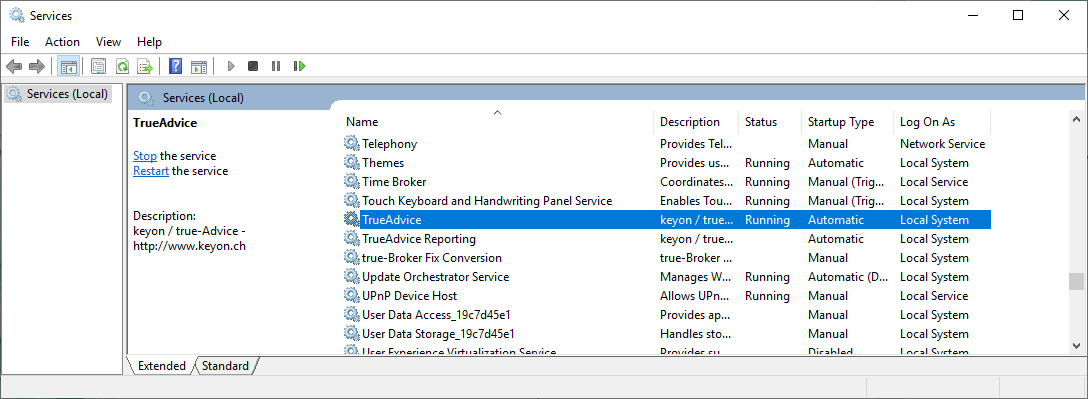
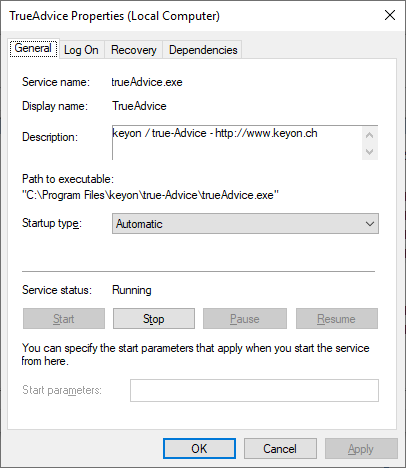
The installation process tries to install true-Advice Web as a Windows service. The Windows service is named TrueAdvice. If true-Advice Web has been installed as a Windows service, you can use the Microsoft Services Console to administrate the service.
To install true-Advice Web as a Windows service Administrator rights are needed.
Starting true-Advice Web Windows service
Start the true-Advice Web Windows service using the Microsoft Services Console.

Stopping true-Advice Web Windows service
Stop the true-Advice Web Windows service using the Microsoft Services Console.
true-Advice Web Administration
true-Advice Web Administration is a web application running on an Apache Tomcat server. true-Advice Web is multi-client capable. Use the true-Advice Web Administration application to load or delete true-Advice Web licenses. If you add a new true-Advice Web license a new web application is deployed to the Apache Tomcat server.
The URL to access true-Advice Web Administration is:
http://localhost:8650/TrueAdviceWebAdmin/main.do
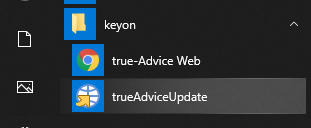
Use the link above or select the true-Advice Web menu item in the keyon → true-Advice Web menu to open the URL above in your default browser.
Login page
To get access to the true-Advice Web Administration web application you have to login with a username and password.
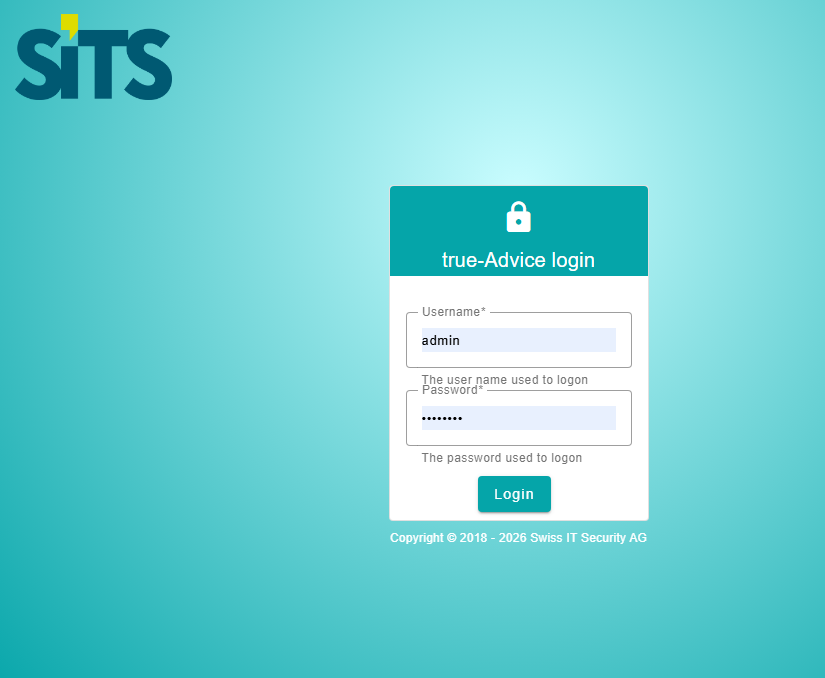
The default username is admin. The default password is 12345678.
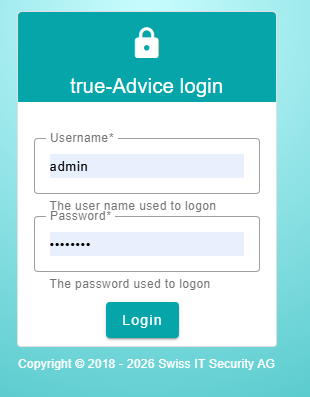
Press the Login button to log on to the application.
You can change the administrator password using the User management link.
Main page / Load License
The main page is used to load the true-Advice Web licenses. true-Advice Web is multi-client capable. For each license a new true-Advice Web application is deployed on the Apache Tomcat server.
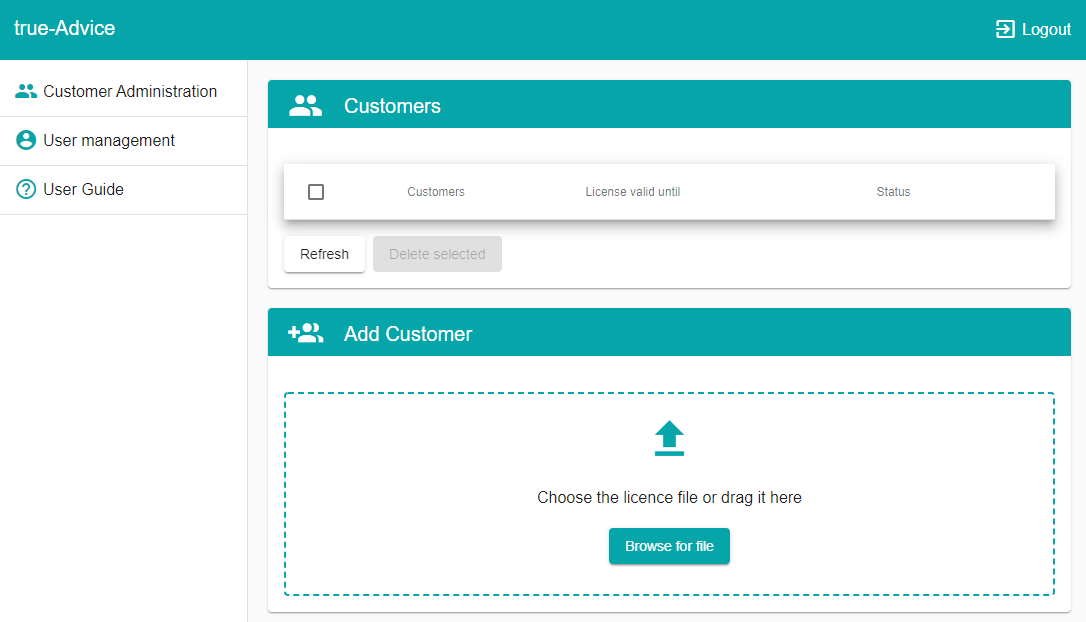
To add a new license, press the Browse for file button or drag it into the area to load the license file you received from SITS.
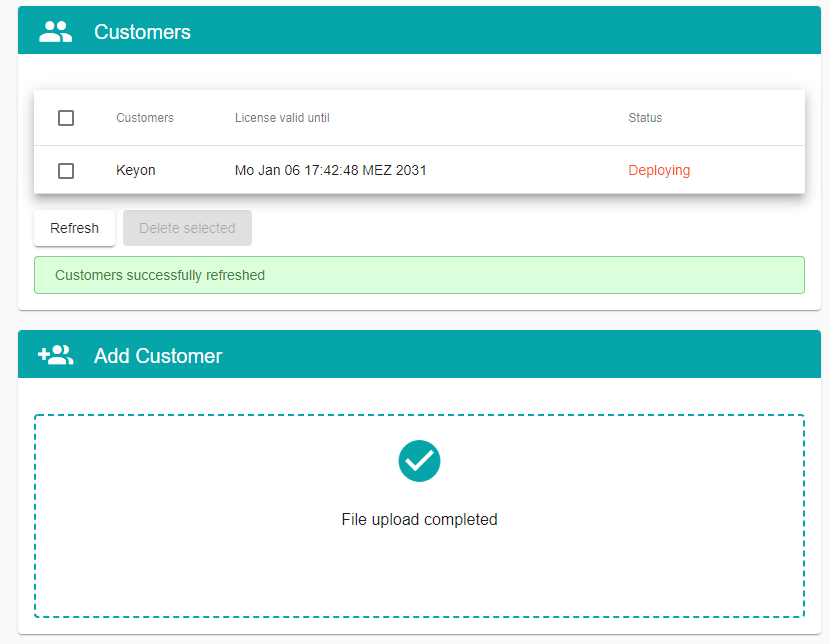
The tool starts to deploy the new license immediately. This might take a few minutes. Click on Refresh to update the status.
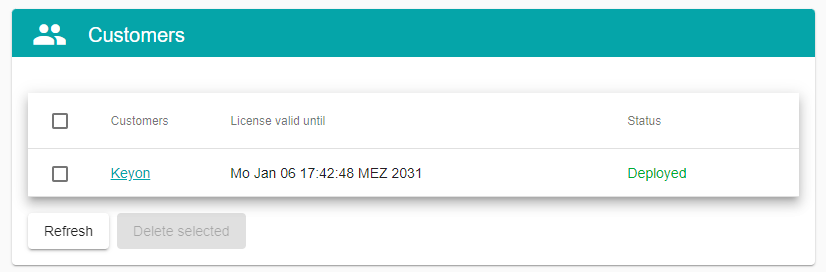
Once it’s done, the status shows Deployed and the license and its modules can be accessed by clicking on the link of the Customers name. (e.g. Keyon in this example)
For futher instructions on the configuration of true-Advice, please refer to the user manuals.